
 arabic
 french
 russia
 spanish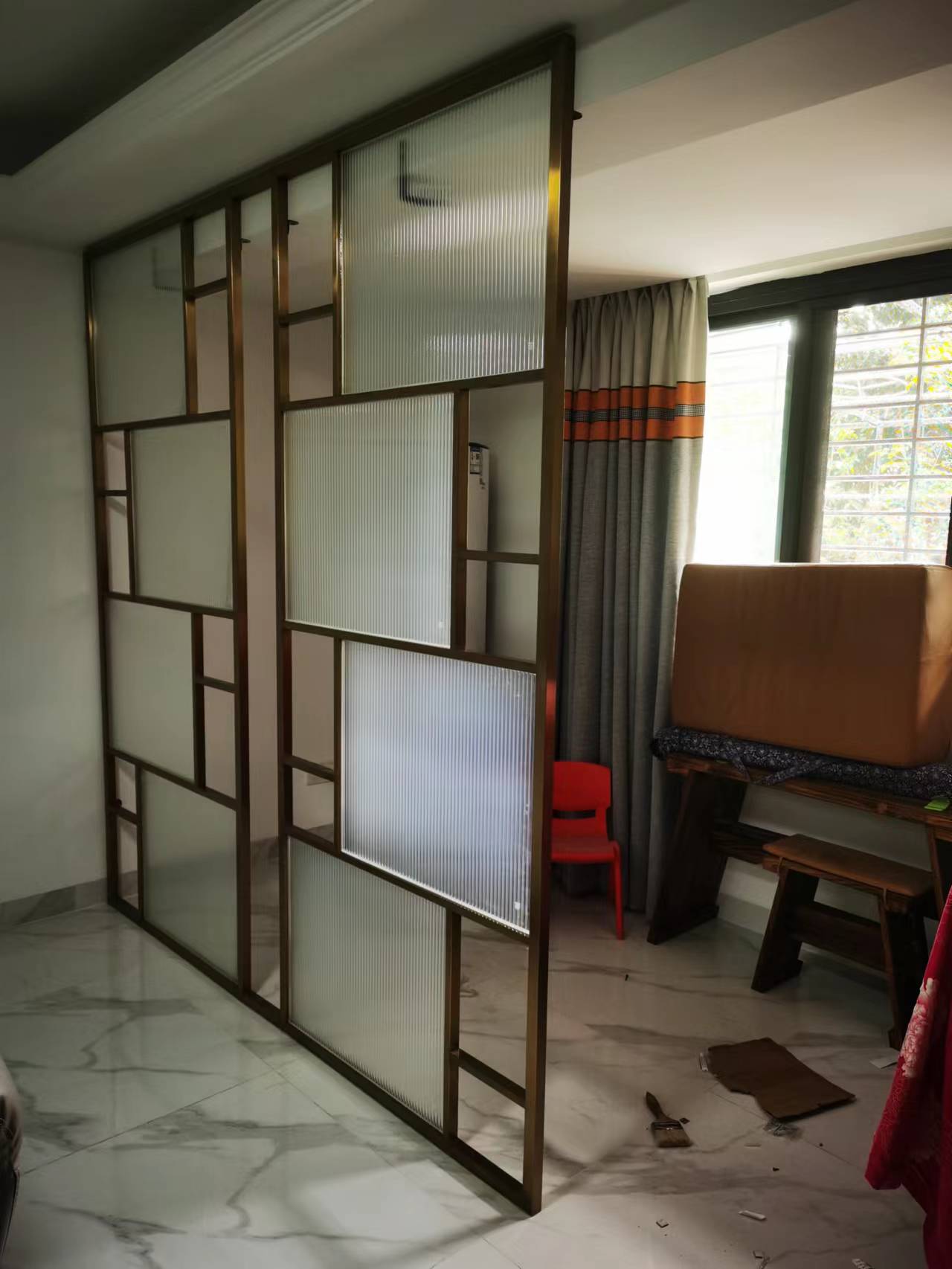
Do you need to measure the metallic screen size? If so, you’re in the right place. Measuring the size of a metallic screen is a common task for many professionals. It requires precise measurements and an understanding of the different forms that these screens can come in. This article will break down how to measure the screen sizes accurately and quickly and provide tips on how to ensure that your measurements are accurate every time. Read on to learn more about measuring metallic screens!
The different types of metallic screens
There are different types of metallic screens, each with its own advantages and disadvantages. The most common types are:
Aluminum: Aluminum is the most popular type of metallic screen. It is lightweight, affordable, and easy to work with. However, it is not as durable as some of the other options.
Stainless steel: Stainless steel is more expensive than aluminum, but it is also more durable. It is resistant to rust and corrosion, making it a good choice for high-use areas.
Copper: Copper is a more expensive option, but it has a number of advantages. It is naturally antibacterial, so it can help to keep your home free of germs. Additionally, it is a very attractive metal that can add a touch of luxury to your home.
Brass: Brass is another luxurious option that can add class and style to your home. However, it is important to note that brass will tarnish over time if not properly cared for.
How to measure the screen size
There are a few different ways that you can measure the screen size of your metallic screen. The most common way is to use a ruler or measuring tape. You will want to measure the width and height of the screen in inches or centimeters. Another way to measure the screen size is by using a software program such as Microsoft Paint. You can open up an image of the screen and then use the “select” tool to get the dimensions of the image.
How to calculate the screen size
There are a few different ways to calculate the screen size of your monitor. The first way is to use a ruler or tape measure to physically measure the length and width of the screen. This method is best if you have a rectangular or square-shaped screen. If you have an oddly shaped screen, you can still use this method by measuring from one corner of the screen to the farthest opposite corner.
Another way to calculate screen size is by using your computer's display settings. Most computers will have a setting that allows you to view the dimensions of your screen in inches or centimeters. This method is best if you're not sure of your monitor's exact make and model, as it will give you the most accurate measurement.
Once you have your measurements, you can calculate the screen size by multiplying the length and width measurements. For example, if your monitor is 15 inches wide and 20 inches long, your screen size would be 300 square inches (15 x 20 = 300).
The benefits of a smaller screen size
We all know that smaller screen size can be more convenient to carry around and can also save you money on phone bills. But did you know that there are other benefits of having a smaller screen size? Here are some things you may not have considered:
1. Smaller screens are easier on your eyes. If you find yourself squinting to see your phone's screen, then it's probably time to switch to a smaller device. Not only will this make it easier to see what's on your screen, but it will also help reduce eye strain.
2. Smaller screens use less battery power. This is especially important if you're someone who uses their phone frequently throughout the day. With a smaller screen, you won't have to worry about your battery dying as quickly.
3. Smaller screens are less likely to crack or break. If you've ever dropped your phone, then you know how scary it can be to see a crack in the screen. Luckily, with a smaller device, there's less surface area for potential damage.
The benefits of a larger screen size
Larger screen size has a number of benefits. It allows you to see more of the content on a page, which can be especially helpful when reading long articles or browsing through large amounts of data. It also makes it easier to spot typos and other errors, which can save you time and frustration. Additionally, a larger screen can make it easier to multitask by allowing you to have multiple windows open at the same time.
How to determine the best screen size for your needs
When it comes to choosing the right screen size for your needs, there are a few things you need to take into consideration. First, think about where you will be using the screen. If you'll be carrying it around with you, a smaller screen might be more convenient. If you'll be using it at home or in the office, a larger screen might be better so you can see more of your work at once.
Next, consider what you'll be using the screen for. If you're mostly going to be working with text documents, you won't need as large of a screen as someone who's going to be watching movies or playing video games. Again, it's all about finding the right balance between convenience and functionality.
Finally, think about your budget. Larger screens generally cost more money, so if you're working with a limited budget, you might have to sacrifice some screen size in order to stay within your price range.
Once you've considered all of these factors, you should have a good idea of what screen size will work best for your needs.
Conclusion
Measuring the size of a metallic screen is not difficult, provided one knows how to go about it. With this guide, we have demystified the process and made it as straightforward as possible. Now you know exactly what tools to use and what steps to take in order to get an accurate measurement of your metal screen, no matter its shape or size. We hope that our tips have been useful for you in achieving a better understanding of how to measure the size of a metal screen correctly!